
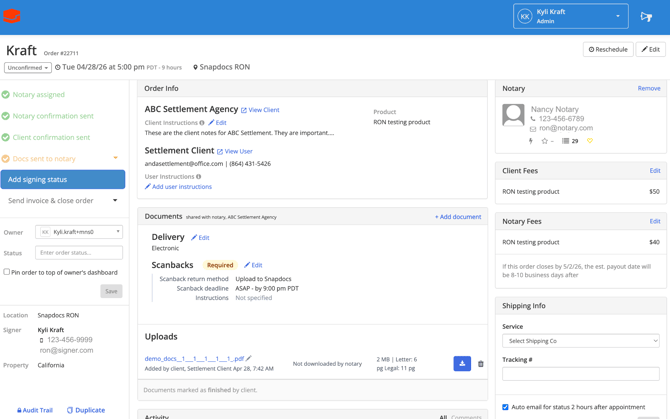
There will be additional activity log comments providing updates within the Snapdocs RON signing.
Snapdocs records the following Snapdocs RON events in the activity log:
- Transaction created in Snapdocs RON
- Documents were transferred to Snapdocs RON
- Doc Tagging Completed | Transaction Scheduled in Snapdocs RON
- RON session started
- RON Signing Completed
- Signers added
Snapdocs records the following Snapdocs RON events in the audit trail:
- Draft Transaction created in Snapdocs RON
- Docs transferred to Snapdocs RON
- Doc Tagging Completed | Transaction Scheduled in Snapdocs RON
- RON session started
- KBA Failed / Passed
- Signing Completed
- Notary Uploaded Scanbacks via Snapdocs RON
- Re-Draft (Order Details Changed)
- Notary Assigned in Snapdocs RON
- Notary Removed in Snapdocs RON
- Signers added