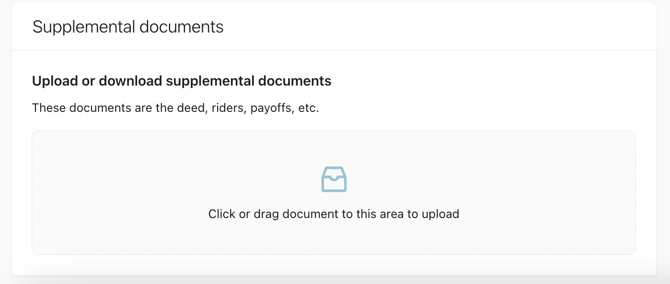
Step 1: Generate and drop any supplemental documents (ex. Riders) that need to be sent to title into the eFolder coordinated with Snapdocs during implementation.
Step 2: Log into Snapdocs and then select the “Create balancing entry” button on the dashboard.

Step 3: Enter the information and then select “Create balancing entry.”
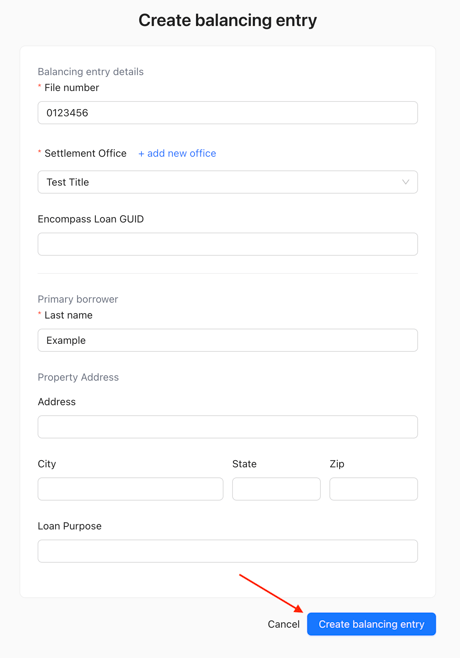
Step 4: CD Documents:
-
If you enter a valid loan GUID, we will automatically create an entry in our system, generate a fresh CD, pull any supplemental documents, and send an email to title to begin the balancing process.
-
If you do not enter a valid loan GUID, you will have to upload supplemental documents and a CD manually.