
Updates include:
-
eSend Closing Link to Broker
-
Sortable eVault Dashboard Columns
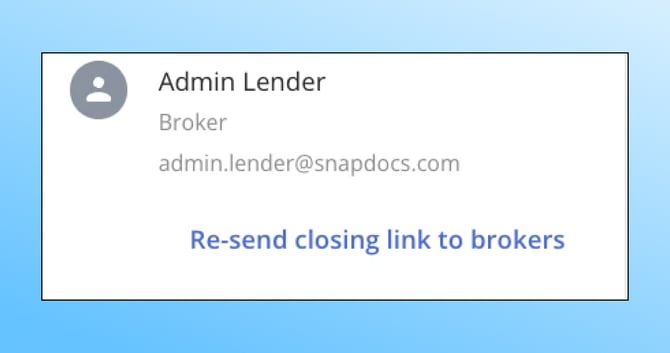
Resend Closing Link to Broker: Quick Re-Access for Broker Participants
Lenders can now resend the closing link directly to a broker from the closings entry. When a broker is assigned to a closing with the "Broker" closing role, a new button appears to resend their access link — eliminating the need for manual follow-up or support requests.
To enable: Turn on the "Resend Closing Link to Broker" feature policy in Company Settings.
Sortable eVault Dashboard Columns: Personalized Data Views
eVault users can now sort dashboard columns in addition to showing and hiding them. This gives each user the ability to organize their data exactly how they need it — whether by date, status, or any other available column — for faster navigation and review.
To enable: Available to all eVault customers automatically.