
Step 1: Tag the documents for all signers and complete the signing with the first signer as normal. At the end of the first session, select the lock button.
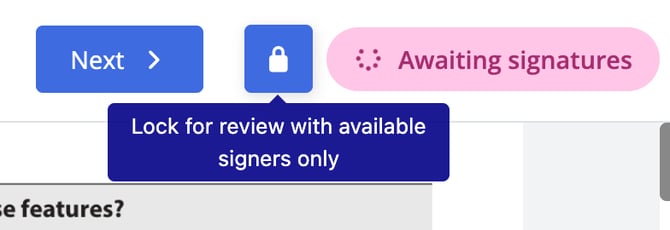
Step 2: A pop up will appear wanting you to confirm that not all of the signers have signed. Select Confirm.
.png?width=447&height=235&name=Lock%20for%20Review%20(Partial).png)
Step 3: Select Agree & Finalize.

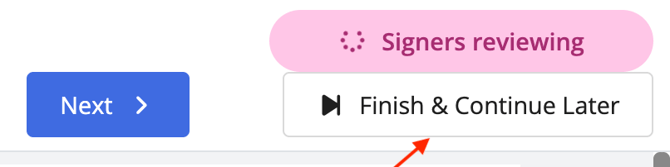
Step 4: Select Finish & Continue Later.
 Step 5: You can then set a new time for the second signing group. When done select Finish & Schedule.
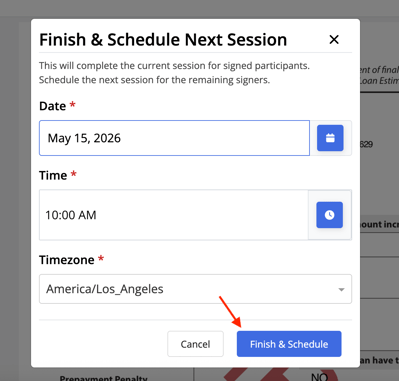
This will automatically send an email to the signer(s) that have not completed their required fields letting them know the signing was rescheduled.