Logging In
- Log in on the Snapdocs application login (app.snapdocs.com): Will take you to your Snapdocs RON account.
- Log in on Snapdocs RON login (signings.snapdocs.com): Will take you to your Snapdocs RON account.
- Log in from Snapdocs website (snapdocs.com login button): Will take you to your Snapdocs RON account.
Signing Up
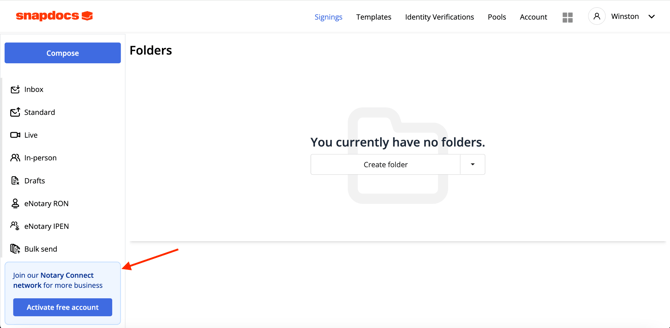
- Sign up for Notary Connect from Snapdocs RON: You’ll see a button on the left-hand side of your Snapdocs RON dashboard to create a free linked Notary Connect account (“Join our Notary Connect network for more business. Activate Free Account”).
If you select it, you'll be taken to a consent form with your name and email already filled in - there is no password to create. Accept the terms and we'll create your free linked Notary Connect notary account and take you into the notary set-up steps.