Note: This is available for customers using the Snapdocs RON integration or Snapdocs RON directly. If you are on the Pro or Premium plan, please reach out to support and they will send you the recording directly.
Step 1: Sign into your Snapdocs RON account.
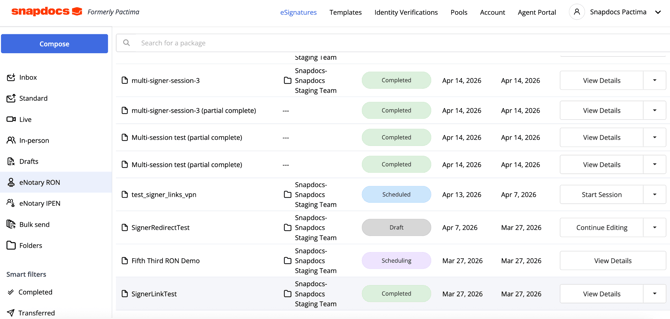
Step 2: Find the signing in eNotary RON or eNotary IPEN, then select “view details.”
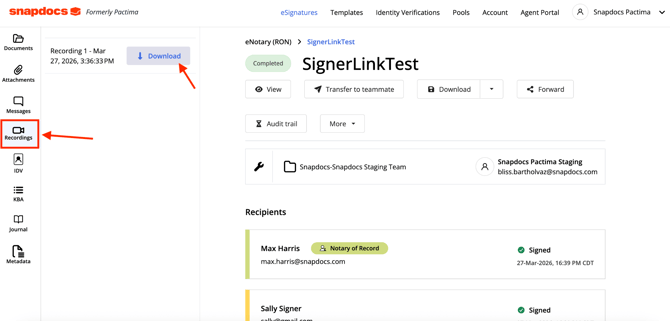
Step 3: Select Recordings and then select Download next to the recording you want.