Signer confirmation email
The type of confirmation email we send the signer depends on you company's Order Settings. If the "Attempt to confirm the appointment with the consumer" setting is checked yes then the consumer and the notary will each receive an email that allows them to confirm the appointment time and location.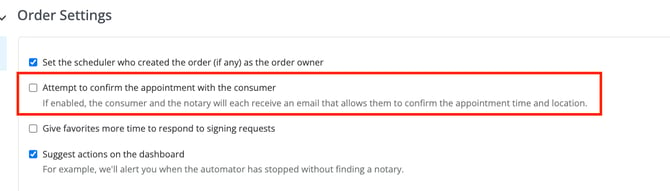
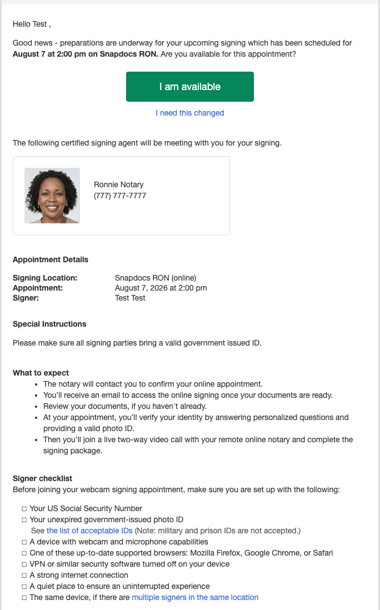
If the setting is turned on, the signer will receive this email:
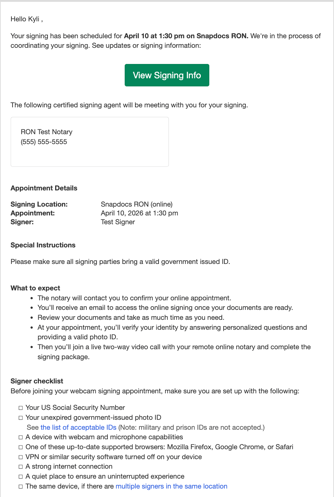
If the setting is turned off, the signer will receive this email instead:
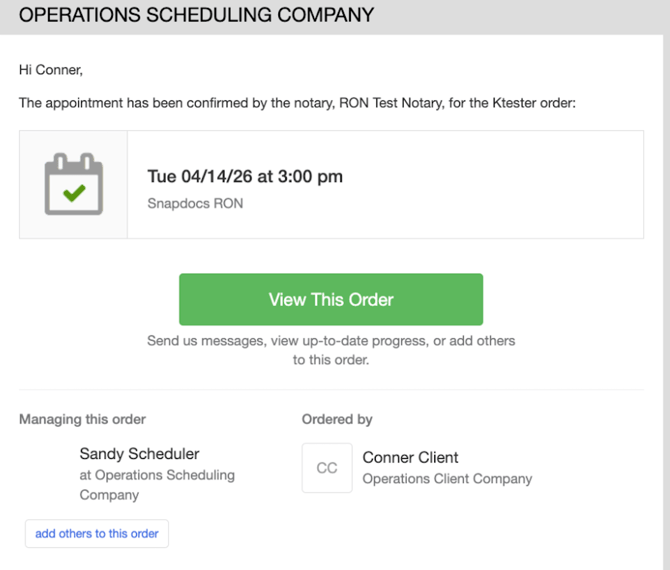
Appointment Confirmed
If the appointment is set to a fuzzy time and the notary updates the appointment to a specific time, the consumer will also receive an email confirming the new time.
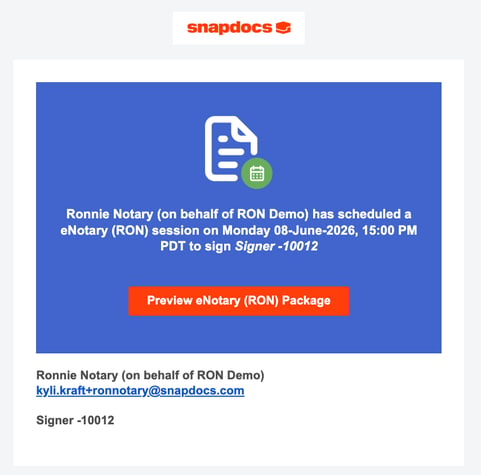
Preview Documents Notification
Please note: The preview documents email sent from the Notary Connect side will be blocked for all Snapdocs RON signings regardless of client settings because Snapdocs RON already sends this notification.
- This is sent when the notary moves the RON signing in ‘scheduled’. This happens after the notary tags the documents.
- The signer will have the option to complete KBA and IDV now instead of waiting until the signing time.
- Witnesses will also receive this notification
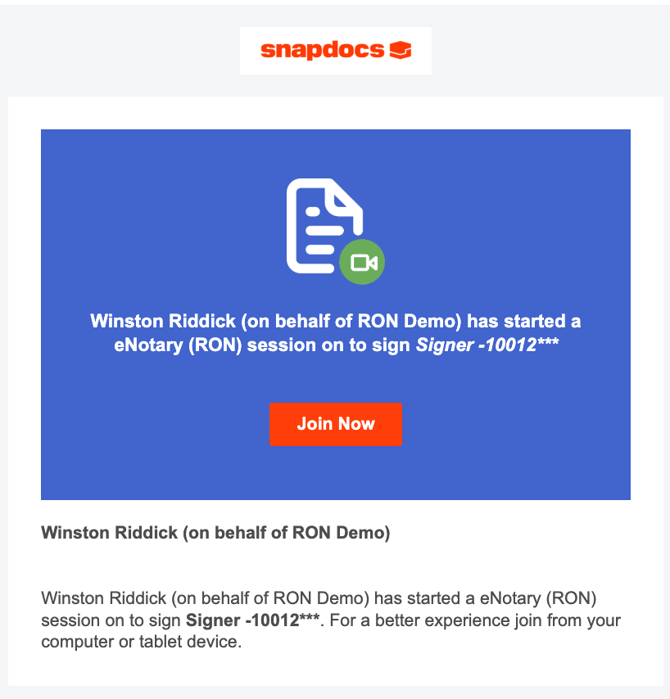
Join Session Notification
The signer will receive this notification when the notary joins the session.
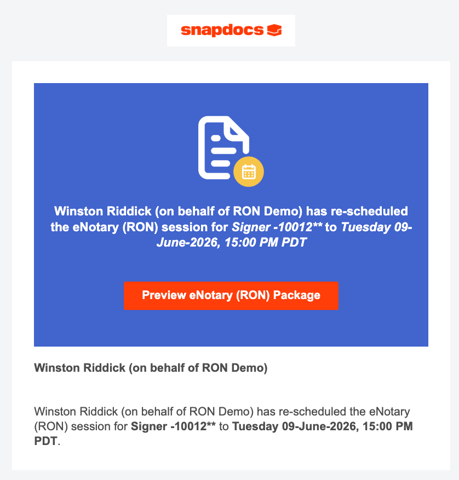
Session re-scheduled in Snapdocs RON
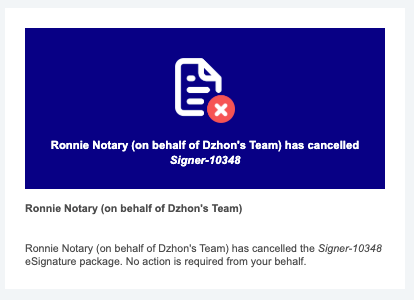
Canceled signing in Snapdocs RON
The signer will receive a notification if the signing in Snapdocs RON is canceled. They will not receive a notification if the signing in Notary Connect is canceled.