
What is checked?
- Scans are eligible for recording (pages are clear, not cutoff, no smearing)
- No pages are missing
- All pages are signed, dated, initialed, and stamped
- All handwritten dates and signatures are correct and legible
How will I know when the documents will be Quality Control checked?
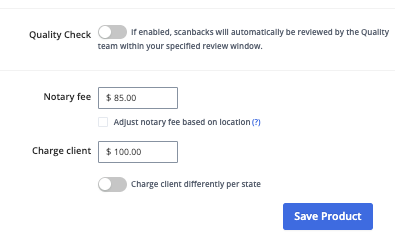
This feature will not be on all orders as customers must opt in and select the products they would like to receive QC.
Once scanbacks are uploaded, you will see that the quality control check is in progress on the order page.

How can I check the status of all orders with QC turned on?
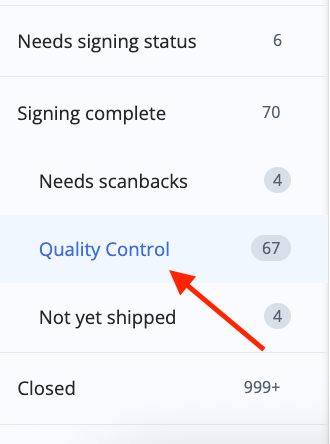
Select the Quality Control filter in the Signing complete tab to view a list of all orders with scanbacks uploaded and a signing status added that have not yet been closed and invoiced.
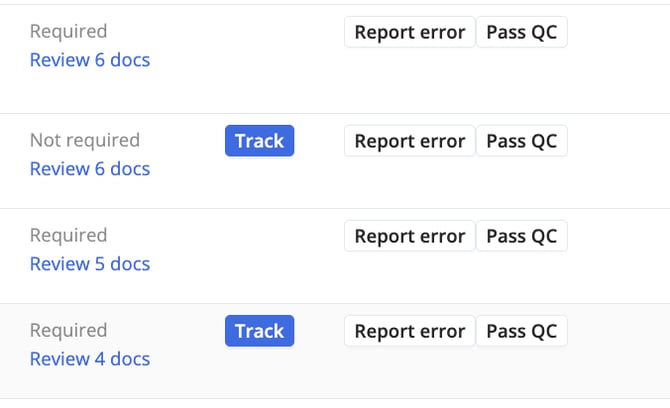
You can complete a manual QC check on any orders that do not have Title QC turned on.
How will I know when QC is in progress?
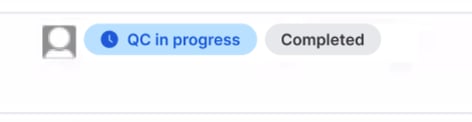
We will display that QC is in progress on the dashboard and the order itself.
Order page when QC is in progress:
Order page when QC is in progress

Dashboard page when QC is in progress
How will I know the results when QC is completed?
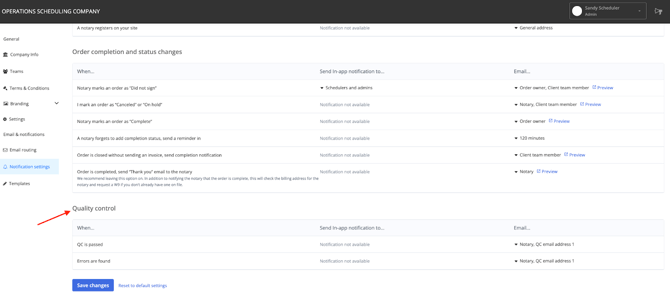
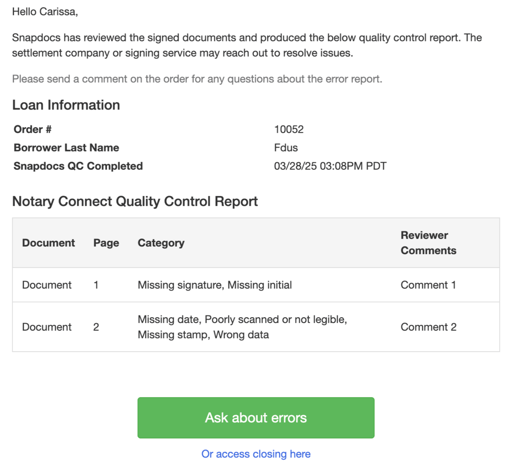
When the check is completed, you will see the results on the order. There are two Quality Control email options in email routing. You can add multiple emails for each section.
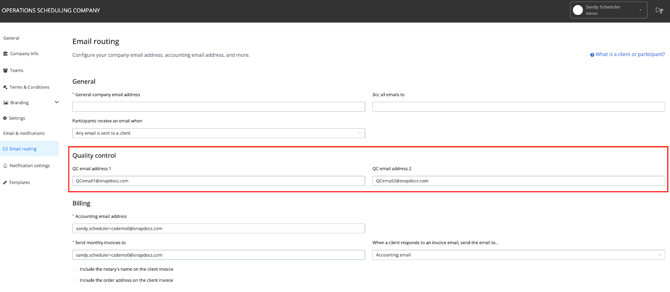
You can select who will receive the notification in your notification settings.
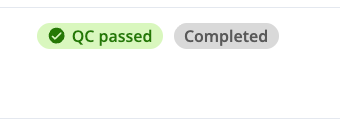
QC Passed (No Errors Found)
Order page when no errors are found and the QC passed:
Dashboard page icon showing QC has passed
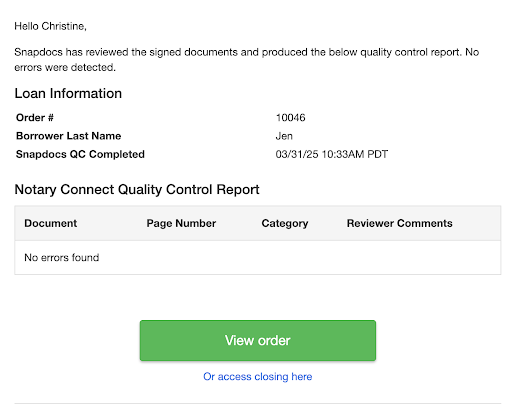
Email notification when QC passed
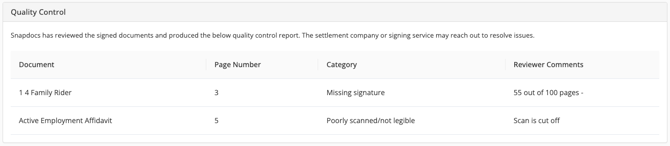
Error(s) Found
Order page when errors are found
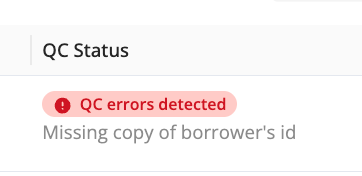
Dashboard page icon showing errors were found
Email notification when errors are found
The “needs QC review” status means that there were errors found and the notary has uploaded corrections.
Note: When the notary uploads corrections and we provide a second QC review, the status will update to “QC in progress.” If we only provide the first review and corrections are uploaded, the status will change to “Needs QC review” to indicate that your team will need to check the corrections and approve QC.
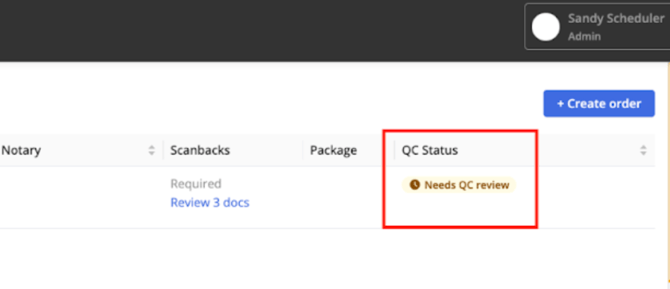
Go to the order, review the corrections, and change the status.
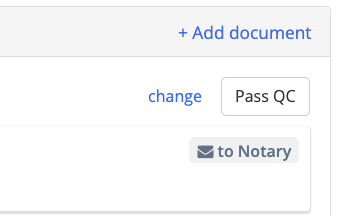
Note: You are able to change the QC status at any time from the order. The order will not auto-close until QC is marked as “passed.”